How to Create Your First Shopify App (Even If You’ve Never Built One)
The phrase “Shopify app” trips people up before they start, because it sounds like something you download to a phone. It is not. A Shopify app is software that plugs into a merchant’s store — it can show up inside their Shopify admin, read their products and orders, and make changes on their behalf. The “WisWes” assistant is a Shopify app. So is every shipping calculator, review widget, and upsell tool in the App Store.
This guide builds your first one — a small app that runs inside your own test store — by directing Claude Code in plain English. It assumes you already did the 30-minute setup in setting up Claude Code. If you haven’t, start there; this picks up right after.
What a Shopify app really is
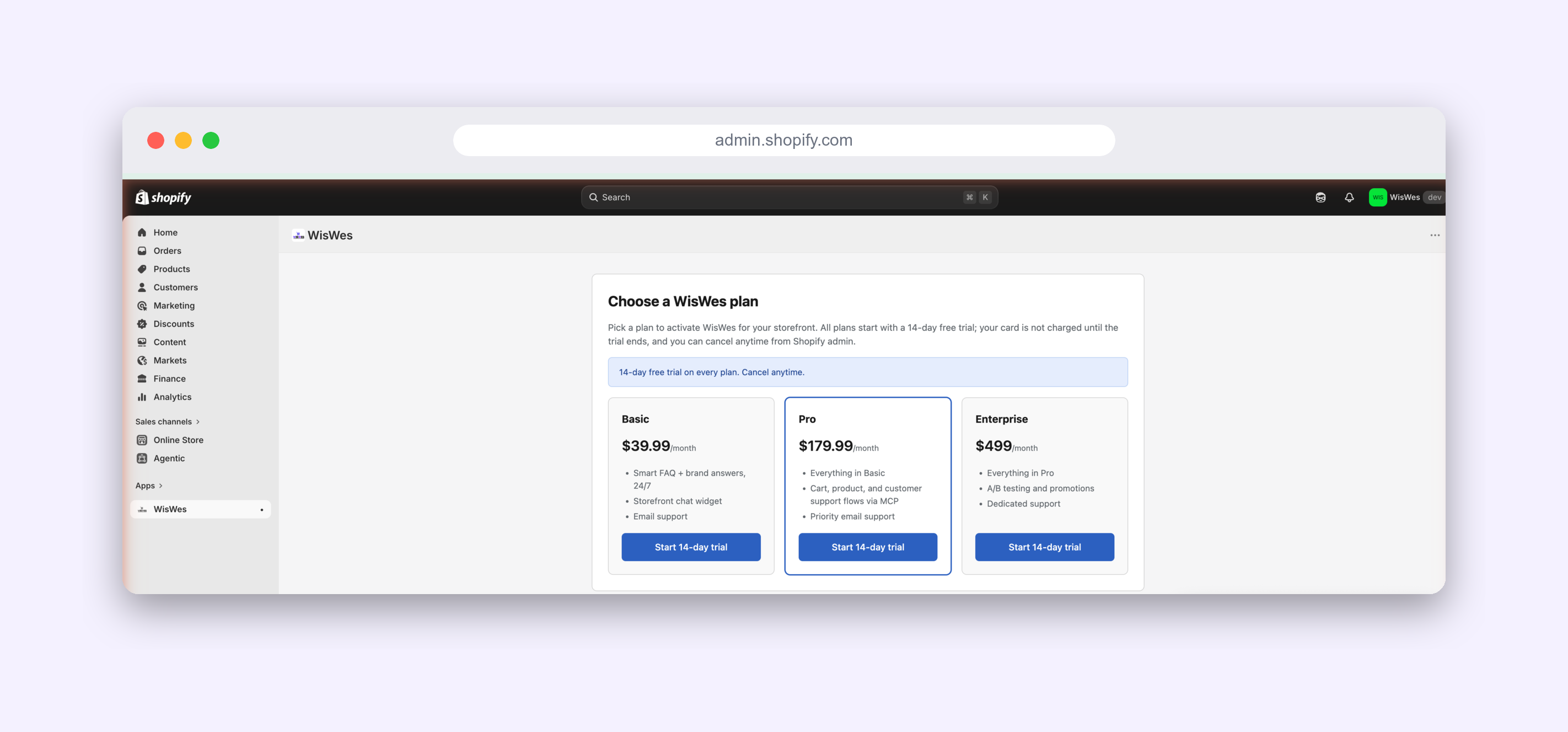
Strip away the jargon and an app is just a small program that sits between the merchant and Shopify’s data. The merchant clicks around their admin; your app appears as a page in there; and when it needs to know something — “what products exist?”, “what did this customer order?” — it asks Shopify through an API (a permission-controlled doorway into the store’s data). That is the whole shape.
The three things you need (all free)
| You need | What it is | Cost |
|---|---|---|
| Shopify Partners account | A free account for people who build for Shopify | Free |
| A development store | A fake but fully-working store to test in — no real customers | Free |
| Claude Code | Your coder, from the previous guide | Set up already |
A development store is the key unlock: Shopify gives builders a complete, real store to experiment in, with fake products and no live shoppers, so you can install and break your app safely. Nothing you do here touches a real business.
Give Claude its Shopify “skills” (one-time, ~2 minutes)
Here’s the part that means you never click through Shopify’s dashboards by hand: you teach Claude Code to do the Shopify work for you. Claude is a brilliant generalist, but out of the box it doesn’t know Shopify’s specifics. Two small, free, one-time additions fix that — and from then on you just describe what you want in plain English.
| Skill you give Claude | What it unlocks | Who sets it up |
|---|---|---|
| Shopify CLI | The official tool that creates, runs and installs apps — and can even spin up your test store | Claude installs it for you (Step 2) |
| Shopify Dev MCP | Claude’s live line to Shopify’s official docs and API schema, so it writes code that works instead of guessing | One command, below |
An MCP is just a “skill pack” you plug into Claude — it gives Claude a new ability. Shopify publishes an official one that lets Claude read their up-to-date documentation and check its own code against the real platform, so it stops guessing. You add it once, in your terminal:
claude mcp add shopify-dev -- npx -y @shopify/dev-mcp@latestRestart Claude Code, then confirm it’s connected with claude mcp list. That’s the entire preparation. From here on you don’t open the Shopify dashboard and you don’t write code — you tell Claude what you want, and it uses these skills to do it.
App types — and the one we’re building
You’ll see a few terms thrown around. You only need to care about one for now; the rest are for later.
| Type | Who it’s for | For your first app? |
|---|---|---|
| Custom app | A single store you own | ✓ This is us |
| Public app | Listed in the Shopify App Store for any merchant | Later |
| Theme / storefront | Changing how the shop looks to buyers | Different track |
We are building a custom app installed on your own development store. It is the fastest way to see something real working, and it is the same foundation a public App Store app is built on — so nothing here is throwaway.
Step 1 — Create a free Partners account (the one manual step)
Shopify requires a one-time, free signup for anyone who builds: go to partners.shopify.com and create your account. That is the only thing you do by hand in this entire guide.
You do not need to click around creating a test store — the Shopify CLI does that for you. When Claude first runs your app (Step 4), it logs into your Partners account and offers to create a development store on the spot; you just type a name. So: sign up once, then hand the wheel to Claude.
Step 2 — Let Claude Code install Shopify’s tools
Back in your terminal, in the project folder from the last guide, start Claude Code with claude and ask:
You: Install the Shopify CLI and confirm it’s working. Explain what it does in one sentence.
The Shopify CLI is Shopify’s official command-line tool for creating and running apps. Claude Code will install it and tell you when it’s ready. You don’t need to memorise its commands — Claude Code runs them for you.
Step 3 — Scaffold the app
Now the satisfying part. Ask:
You: Create a new Shopify app here using the Remix template. Walk me through any choices it asks for.
Behind the scenes this runs shopify app init. It generates a complete, working app — dozens of files you didn’t have to write. The important ones, in plain language:
| File / folder | What it’s for |
|---|---|
| shopify.app.toml | Your app’s settings — its name, permissions, URLs |
| app/routes/ | The pages of your app (each file is a screen) |
| app/shopify.server.js | The secure connection to Shopify (login, permissions) |
| package.json | The list of building blocks your app uses |
You will mostly live in app/routes/ — that is where your app’s screens are. Everything else is plumbing the template handles.
Step 4 — Run it and install it on your store
Ask Claude Code:
You: Run the app in development mode and give me the link to install it on my development store.
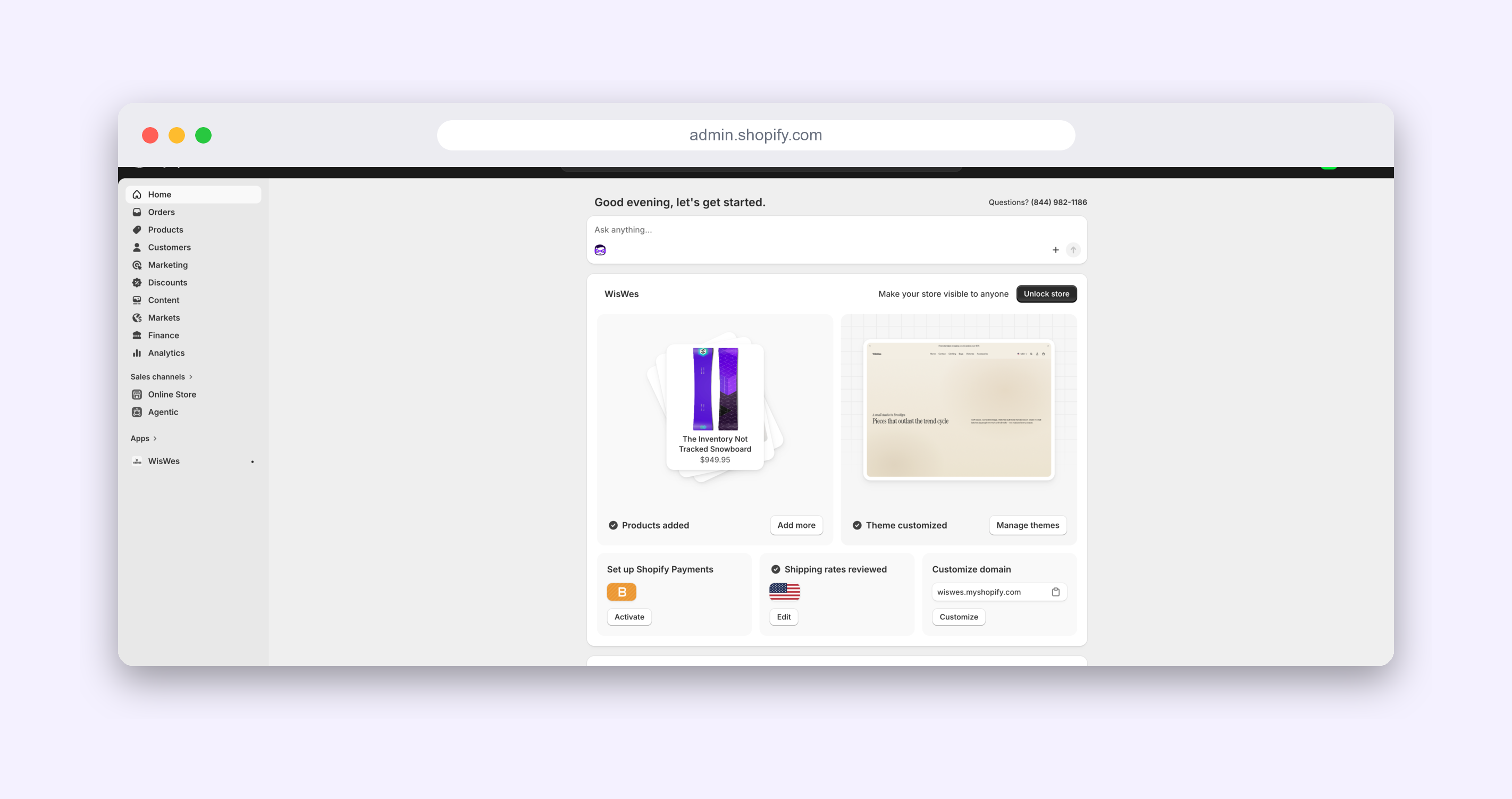
This runs shopify app dev. The first time, it asks you to log in to your Partners account, then offers to create a development store (just give it a name) and connects to it — no dashboard clicking. Then it prints a link. Open it, click Install, and — there it is: your app, running inside a real Shopify admin. It doesn’t do much yet. That’s fine. It exists, it’s installed, and it’s yours.
Step 5 — Make your first change (this is vibe coding)
Everything until now was setup. This is the actual skill, and it’s the same loop whether you’re changing one word or building a whole feature: you describe what you want in plain English, Claude makes the change, you look at the result, and you refine. The power isn’t in one perfect prompt — it’s in how quickly you can go round that loop.
Start with something you can see on screen. Ask:
You: On the app’s home page, change the heading to “Margeen — product finder” and add one sentence under it explaining what the app will do. Then tell me exactly how to view the change.
Claude edits the right file in app/routes/ for you, the running app reloads on its own, and your new heading appears in the admin. No file hunting, no syntax — you shipped a change to a Shopify app in one sentence.
Now do the part that makes it vibe coding: react to what you see and refine it, in plain words.
You: That heading looks a little plain. Make it larger and bolder, and add a purple “Get started” button underneath the sentence. Show me what you’ll change before you save anything.
That’s the whole rhythm — describe → see → refine — repeated until it’s right. When something looks off, you don’t open the code; you just say so (“the button’s too close to the text”, “use a softer purple”) and let Claude adjust. You aren’t learning to code. You’re learning to direct.
Two habits make the loop click:
- Show Claude what you see. Paste the exact error, or describe what looks wrong — it fixes things far faster from the real symptom than from a vague “it’s broken.”
- Change one thing at a time. Small steps are easy to check, and easy to undo with a plain “revert that last change” if you don’t like it.
What just happened (named simply)
- Partners account — your identity as a builder.
- Development store — your safe sandbox to install into.
- Shopify CLI — the tool that creates and runs the app (and made your dev store).
- The Shopify Dev MCP — the skill that let Claude write correct Shopify code instead of guessing.
- The Remix template — a complete starter app so you begin with something working, not a blank file.
- The dev link + Install — how your app gets embedded into the admin.
None of that required writing code by hand. It required knowing what to ask for — which is the whole skill of vibe coding.
A note on free vs. paid
Everything in this guide is free: the Partners account, the dev store, the Shopify CLI, the app scaffold. You only ever pay Shopify when a real store goes live on a paid plan, or when you list a public app and it earns money. Building and testing costs nothing — which is exactly why it’s the right place to learn.
What’s next: make it do something real
A blank app that says hello is a milestone, not a product. The next step is wiring it to do real work. We do exactly that on the Margeen project, where the first real feature is a Shopify app that searches AliExpress for products to sell — built the same way, in plain English, in public.